
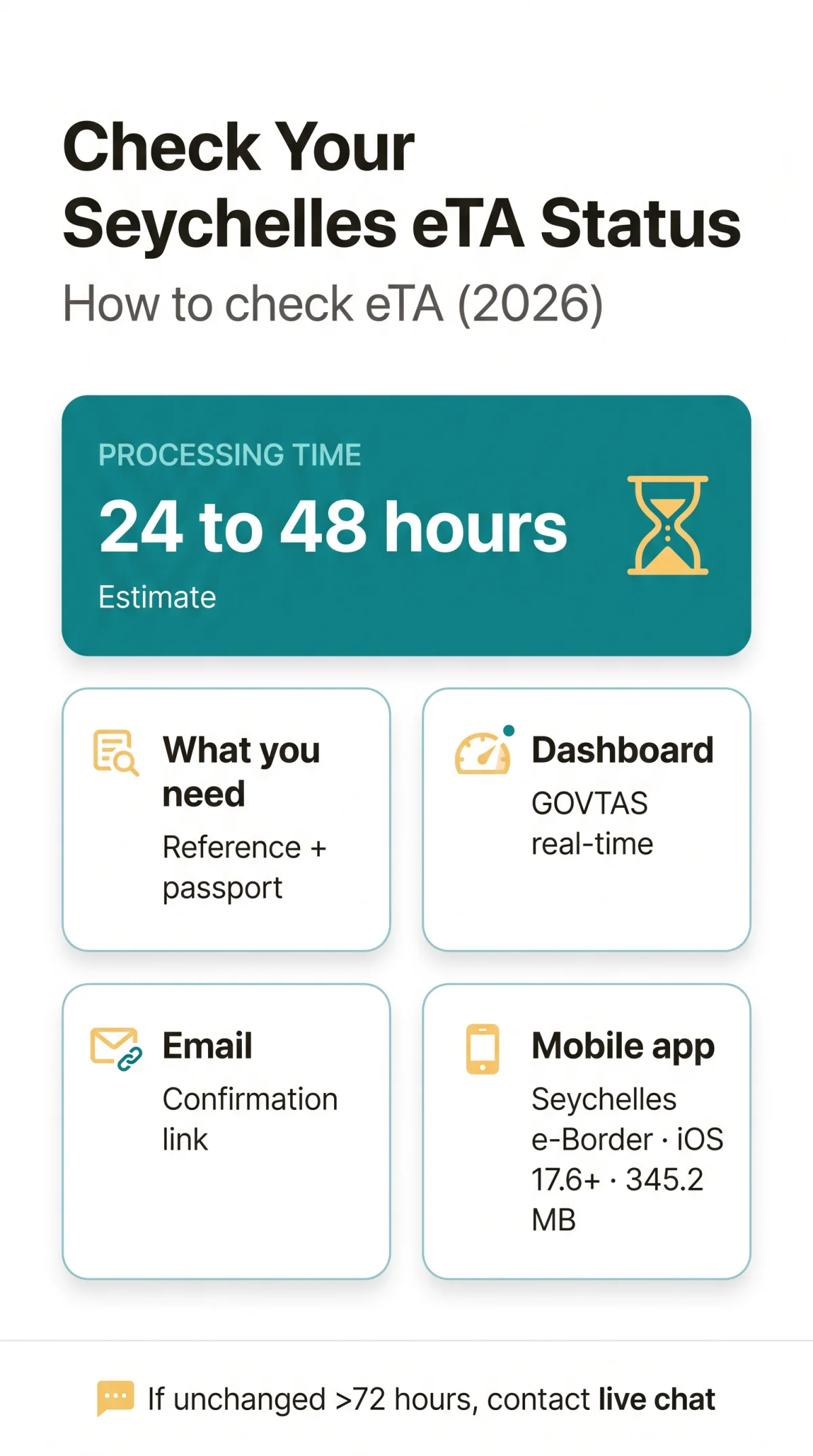
Last updated: 15 September 2026. If you are wondering “How can I check my Seychelles eTA status?”, visit and enter your application reference number and passport number. You can also track your Seychelles eTA application via the confirmation email link or the free Seychelles e-Border mobile app (345.2 MB, rated 4.8/5 across 596 App Store reviews). Standard processing takes an estimated 24 to 48 hours, though this is a commercial-sector estimate and final processing depends on the Seychelles immigration authority. For the full submission process, see our Seychelles eTA application guide.
How to check your Seychelles eTA status: Visit enter your application reference number and passport number, then click “Check Status.” Your current eTA status appears on screen: Received, Under Review, Approved, or Rejected. You can also track via the confirmation email or the free Seychelles e-Border mobile app.
Three Ways to Check Your Seychelles eTA Status – Compared
Seychelles eTA status can be checked via three methods: the govtas dashboard at requiring a reference number and passport number, a confirmation email link, or the free Seychelles e-Border mobile app (345.2 MB, iOS 17.6+).
| Method | What You Need | Best For | Limitations |
|---|---|---|---|
| govtas Dashboard | Reference number + passport number | Real-time, detailed status view | Requires internet; must know reference number |
| Email Confirmation | Inbox access | Quick glance without logging in | Shows only initial status; link may expire |
| e-Border App | Mobile device + login credentials | On-the-go checks | Requires app download (345.2 MB) |
The govtas dashboard ( provides real-time updates and a PDF download link upon approval. If you prefer on-the-go checks, the free Seychelles e-Border app requires iOS 17.6 or later and a 345.2 MB download, with a 4.8 out of 5 rating across 596 App Store reviews.
Method 1 – Check Your eTA Status via the Govtas Dashboard

Visit the retrieval page.
Access in any browser. The page displays a form titled “Check the status of your existing application,” targeting VISITOR applicants.
Enter your application reference number.
Type the alphanumeric ID from your confirmation email into the first field. This unique identifier was generated when you submitted your Seychelles eTA.
Enter your passport number.
Input the passport number you used during application. Both fields are mandatory to proceed.
Click “Check Status.”
The GOVTAS dashboard (system version v2.6.1, r25706) validates your entries and fetches the Seychelles eTA application record.
Read the status indicator.
A status badge appears: Received, Under Review, Approved, Requires Action, or Rejected.
Download the approved eTA PDF.
If the status reads Approved or Visa Sent, a download link appears. Save the PDF travel pass to your device for presentation at departure. For more on pre-travel requirements, see our Seychelles eTA application guide.
Lost Your Reference Number? How to Recover It
Your Seychelles eTA reference number is essential for every tracking method. Three recovery paths exist:
- Search your email inbox for “Seychelles eTA” – the confirmation message contains the reference number.
- Use the GOVTAS lookup with your passport number as a secondary identifier.
- Contact the 24/7 support team via live chat (powered by Crisp) on the govtas portal.
Understanding Your Seychelles eTA Status Indicators and Processing Times in 2026
The govtas dashboard displays possible Seychelles eTA statuses – Received, Under Review, Approved, Requires Action, or Rejected – each indicating a different next step.
| Status | Meaning | Your Next Step | Typical Duration |
|---|---|---|---|
| Received / Submitted | Application successfully logged in the system | Wait for review to begin | Hours to 1 day |
| Under Review / In Process | Immigration officers are evaluating your documents | No action needed unless status changes | Estimated 24-48 hours from submission |
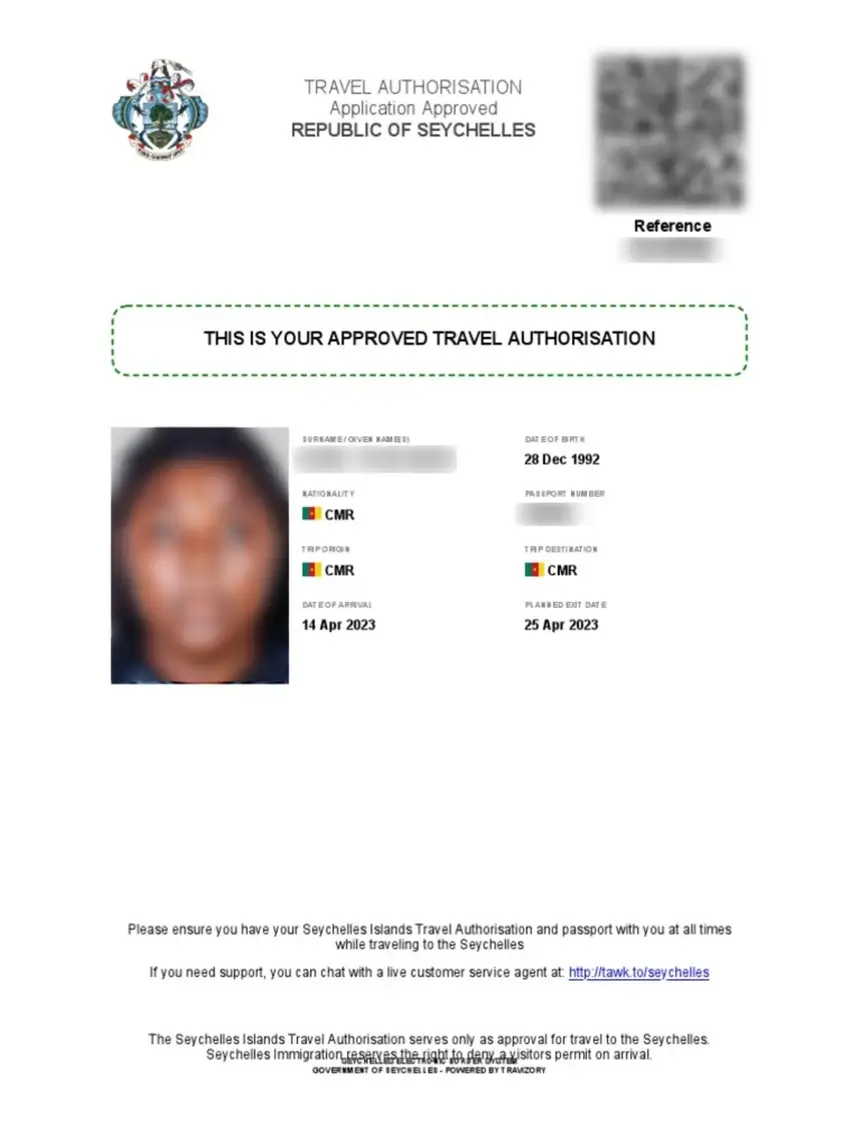
| Approved | eTA granted; travel authorisation active | Download the PDF travel pass | – |
| Visa Sent | Approved eTA delivered to your email | Check inbox and SPAM folder | Within hours of approval |
| Requires Action / Additional Information | Missing or flagged documents | Log in to dashboard and re-upload requested files | Respond within 72 hours to avoid cancellation |
| Rejected | Application denied | Review reason; consider reapplying or contacting support | – |
The 24-48 hour processing window is a commercial-sector estimate (source:, a private consultancy not affiliated with the Seychelles government); final processing time depends on the Seychelles immigration authority. No official processing timeline is published by ics.gov.sc or as of September 2026. If your Seychelles eTA status remains unchanged beyond 72 hours, contact the 24/7 live-chat support team on the govtas portal or email [email protected].
Troubleshooting and Alternative Tracking Methods
Common Seychelles eTA issues include an “Additional Information Required” status, a temporary “Unpaid” flag after card payment, and expired email tracking links. The GOVTAS confirmation email delivers your application reference number and a direct link to the retrieve-application page, but that link may expire after a limited period – store your reference number separately to ensure continued dashboard access.
If your Seychelles eTA status shows “Requires Action” or “Additional Information Required,” log back into the GOVTAS dashboard and re-upload the flagged documents. Respond within 72 hours to avoid application cancellation. A temporary “Unpaid” status can appear immediately after a successful card payment while the system verifies the transaction – wait before reattempting.
For on-the-go tracking, the free Seychelles e-Border mobile app requires iOS 17.6 or later and a 345.2 MB download, with a 4.8 out of 5 rating based on 596 App Store reviews. The app supports Apple Wallet integration for approved Seychelles eTA documents. For step-by-step submission instructions, see our Seychelles eTA application guide.
Technical issues with any Seychelles eTA tracking method can be escalated to the 24/7 live chat support powered by Crisp on the govtas portal, or contact the Immigration and Civil Status Seychelles at (+248) 4 293636 or [email protected].
Seychelles eTA Status Check FAQ
Can I check my Seychelles eTA status without a reference number?
Without a reference number, use the GOVTAS lookup with your passport number as a secondary identifier, or search your inbox for “Seychelles eTA” to find the confirmation email. If neither works, contact the 24/7 live chat support on the govtas portal.
How do I log in to the govtas dashboard if I forgot my password?
The govtas dashboard for Seychelles eTA status checks uses your application reference number and passport number, not a standard account password. If you encounter access issues, use the live chat support powered by Crisp on the govtas portal.
Can I check my Seychelles eTA status on my mobile phone?
Yes. The free Seychelles e-Border mobile app (345.2 MB, iOS 17.6+) supports Apple Wallet integration for approved documents. Alternatively, open in any mobile browser.
What should I do if my status hasn’t changed for more than 3 days?
If your Seychelles eTA status remains unchanged for over 72 hours, contact the 24/7 live chat on the govtas portal or email [email protected]. You can also call the Immigration and Civil Status Seychelles at (+248) 4 293636.
What is the difference between a Seychelles eTA and a visa?
The Seychelles eTA is the digital pre-travel approval required before departure. Upon arrival, visitors receive a Visitor’s Permit, free for the first three months and extendable in three-month periods for SCR 5,000, up to a maximum of 12 months.
How do I contact support about my eTA application status?
Reach the customer support team through the 24/7 live chat (Crisp) on the govtas portal, or contact the Immigration and Civil Status Seychelles by phone at (+248) 4 293636 or email [email protected].
Will I receive an email when my eTA application is approved?
Yes. When your Seychelles eTA is approved, the status changes to “Visa Sent” and the approved eTA PDF is delivered to your email. Check your inbox and SPAM folder to ensure you receive it.
Can I use a third-party service to track my Seychelles eTA?
Using third-party commercial services to track your Seychelles eTA is not recommended. The govtas dashboard, confirmation email links, and the Seychelles e-Border app are the direct, secure methods to monitor your application.
This site is an independent travel information portal and is not affiliated with the Seychelles government. For official information, visit ics.gov.sc.